
Piece by piece, meet Toby!
LITTLE EXPLORER GAMES · AGES 3–7
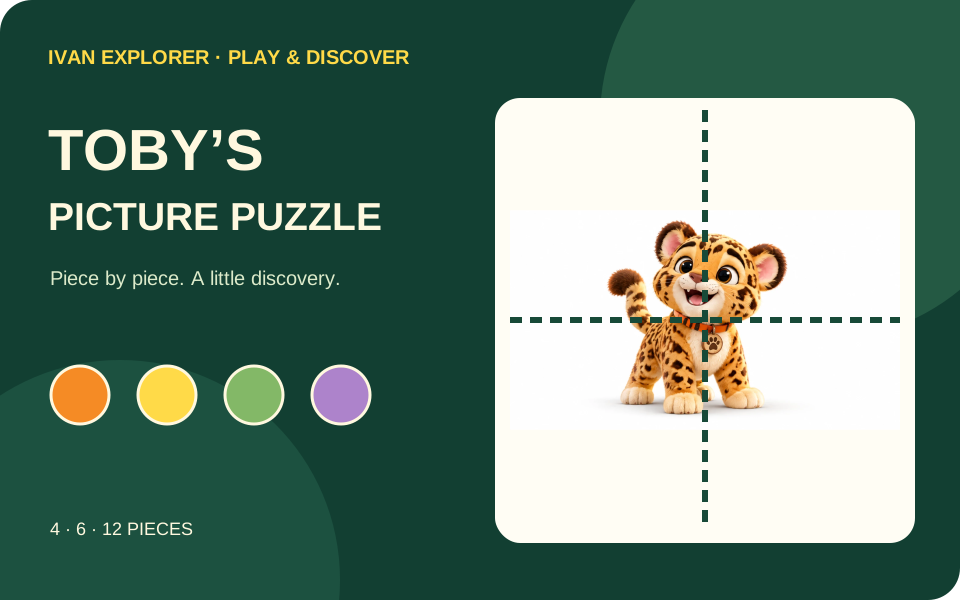
A little puzzle. A big leopard smile! Help Toby find all his pieces.
Ready, little explorer?
Choose 4, 6 or 12 pieces inside the player. Drag a piece, or tap it and then its space.
Drag a piece onto the picture. Or tap a piece, then tap its space.
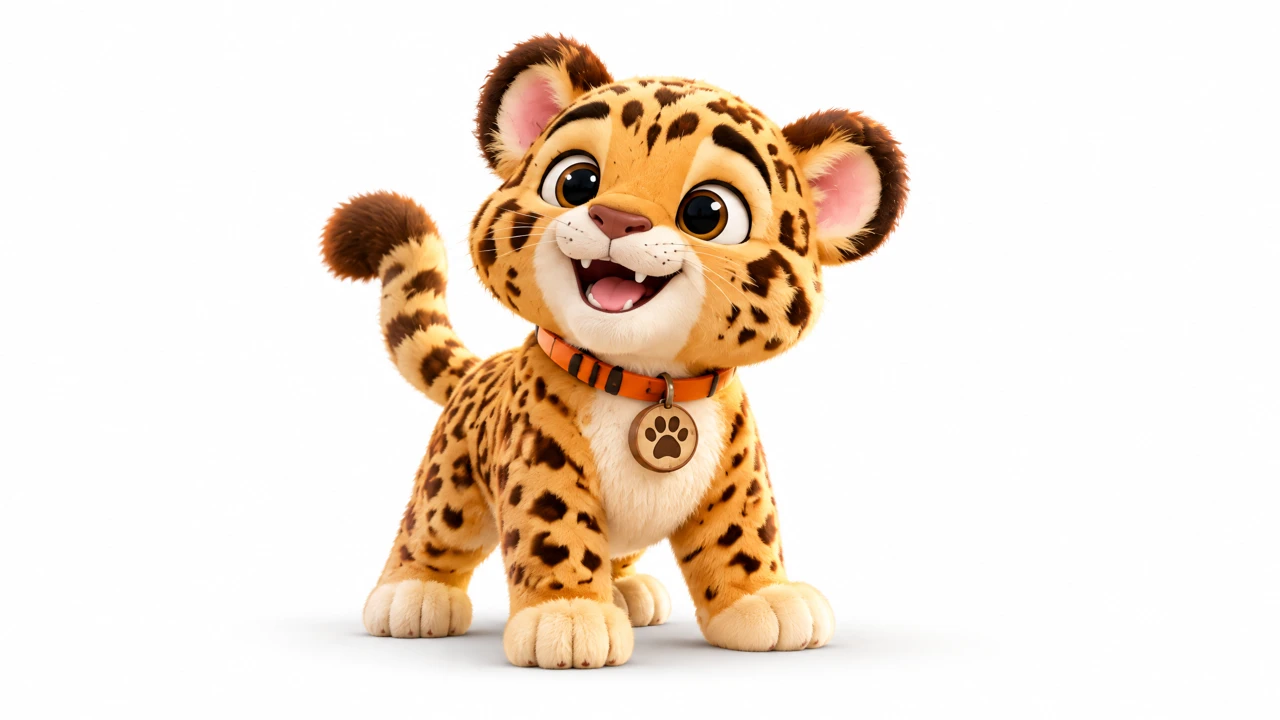
You found Toby!
Wonderful exploring. Give yourself a little cheer!
Your explorer pieces
Pick a piece to begin.
← All games · Explore the jungle video and activity book →
FOR GROWN-UPS
Watch, notice, try together
Optional ideas for shared play. Pause or stop whenever your child wishes.
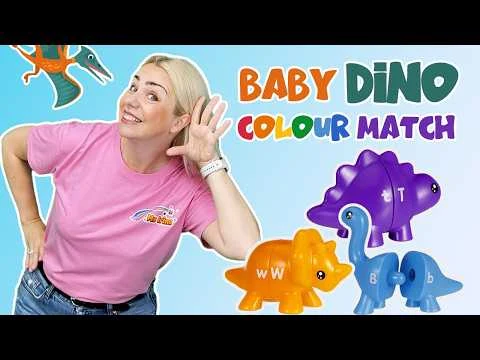
Baby Dino Colour Match
Practice matching parts before putting Toby together.
- Pause and point to a matching dinosaur head and tail.
- Name a color that helps you find the pair.
- Return to Toby and look for pieces that belong together.
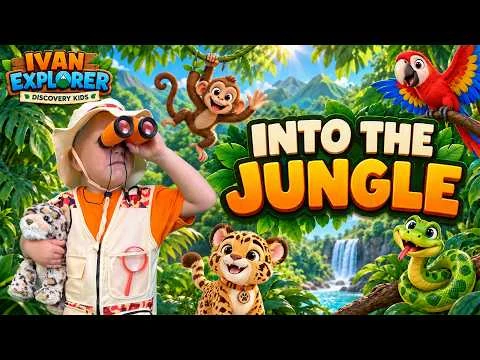
Into the Jungle
Meet Ivan and Toby in their jungle adventure.
- Look for Toby beside Ivan.
- Name one animal you notice.
- Try the companion book’s picture puzzles together.
A LITTLE GUIDE FOR GROWN-UPS
How to play
Help Toby become a whole picture again. Look closely, choose a piece and find where it belongs.
- Press Play puzzle and start with 4 pieces. Choose 6 or 12 when you would like a bigger challenge.
- Look for a clue: an ear, a paw, a patch of fur or part of the background. Drag the piece to its space, or tap the piece and then tap a space.
- Use Peek (the eye button) when you need a clue. Keep matching until Toby’s picture is complete. Again (the circular arrow) gives you another go.
Skills to practice through play
Looking closely
Compare small details, colors and the edges of the picture to find a match.
Spatial thinking
Work out how separate parts fit into a whole. Talk about above, below, next to and between.
Hand–eye coordination
Practice guiding a finger or mouse to a chosen space. Tapping is an alternative to dragging.
Problem-solving and persistence
Try a position, notice the feedback and choose another place if it does not fit.
Try it together
“What clue can you see on this piece?” “Where might Toby’s ear go?” Let your child choose a piece and explain or point to their idea.
Make it comfortable
Keep the picture hint on and begin with four pieces. Offer one clue at a time. Move to six or twelve pieces only when your child wants to; there is no timer.
Use Bigger (the four-corners button) for full screen and Exit (the door arrow) to return to the page. If your browser keeps its toolbar visible, the expanded player still fits the available space.
Keyboard players can use Tab to reach a piece, Enter or Space to select it, then select a space.
Music begins when you press Play. Use the musical-note button to turn it off or on. Music pauses when you leave the game or switch away.
Finish all the pieces to earn a trophy and a little confetti celebration. Choose See my puzzle to admire your picture, then Play again for another adventure.
These activities offer opportunities to practice during shared play; they are not an assessment or a promise of developmental results. Children can point, talk, take turns or stop whenever they wish. Drawings and game progress stay in this page and reset when it is refreshed.
Choose your adventure
Open Settings inside the game to choose an age suggestion, then adjust Challenge independently. Age is a starting point, not an assessment. Free play stays available. Changing Challenge starts a new round; existing paintings are kept.
Choose Jungle Bounce, Little Workshop, Discovery Walk or Dreamy Stars. The sound button switches music and effects off together. Settings last for this page session.