
Color Toby the Leopard
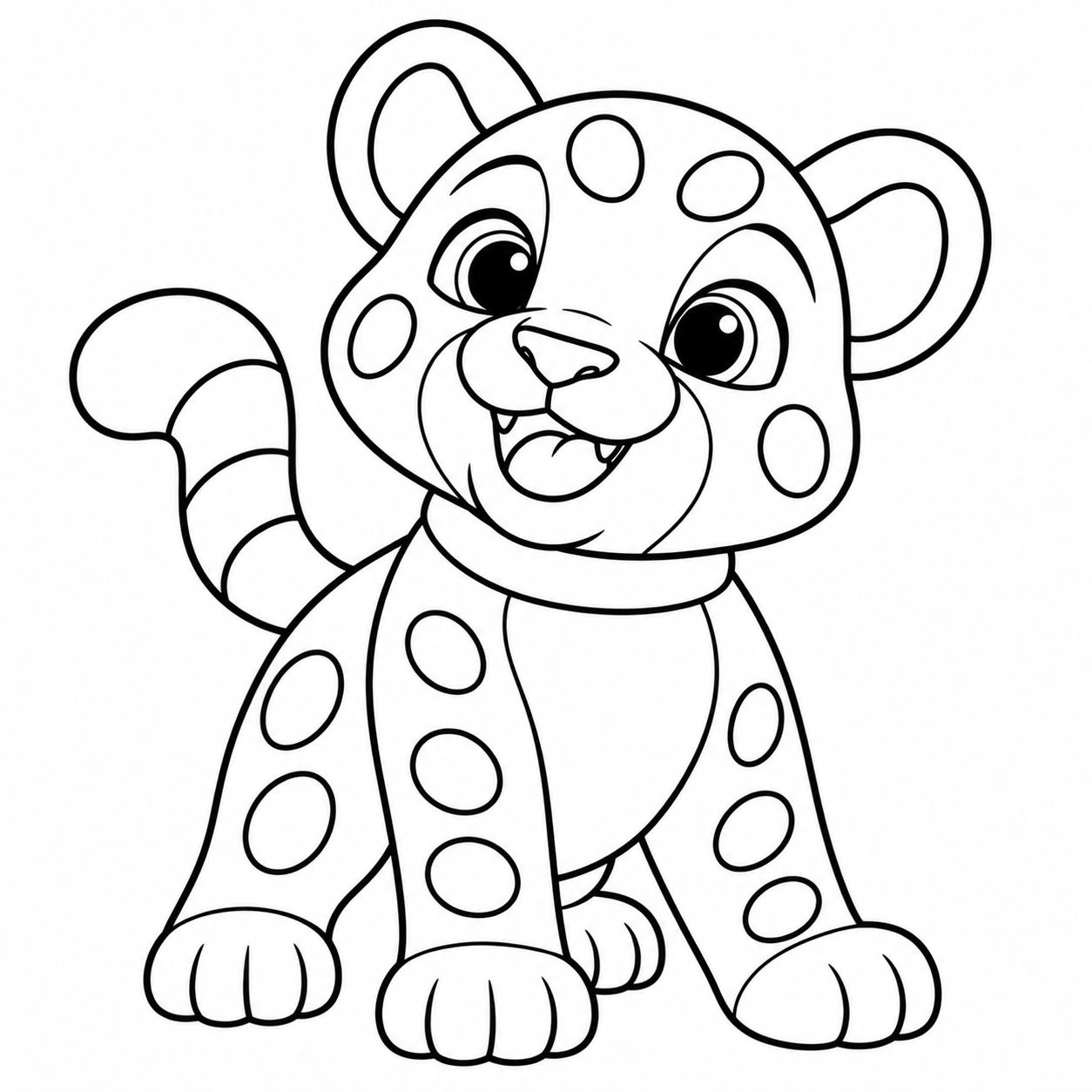
Your colors. Your Toby.
Hold Toby’s little picture to peek at the finished example. Let go to return to your painting. Tap a big area to fill it, or choose Brush. All the spots fill together.
Pick a color, then tap a shape.
← All games · Explore the jungle video and activity book →
A LITTLE GUIDE FOR GROWN-UPS
How to play
Peek at a colorful Toby, let go, then paint your own. You can match the example or invent a different leopard.
- Press Play. Hold the little Toby picture beneath the palette to see the finished example. Release it to return to your own painting.
- Choose one of the six matching colors: golden yellow, warm cream, brown, orange, pink or white. With Fill (the paint bucket) selected, tap Toby. Parts that share a color in the example fill together — for example, all his spots.
- Peek again whenever you like. Try Brush for free drawing, Undo to reverse a change, or Clear to start over. Looking at the example never changes your paint.
Skills to practice through play
Visual attention and recall
Look at one part of the example, let go, then try to remember its color. Peek again as often as you need.
Matching and grouping
Match a palette color to the example and notice which parts share the same color.
Hand–eye coordination
Practice holding and releasing the picture button, selecting a color and tapping a large area.
Language and creative choices
Name colors and body parts, describe spots and explain a choice. Making a different design is welcome too.
Try it together
“What color was Toby’s collar?” “Shall we peek again?” Focus on one feature at a time and enjoy the discovery together, without turning it into a test.
Make it comfortable
Begin with the large fur or collar areas. The simplified outlines and linked fills reduce the need to hit tiny spots. Eye and tooth details are already finished. Your child can copy the example or choose their own colors.
Use Bigger (the four-corners button) for full screen and Exit (the door arrow) to return to the page. If your browser keeps its toolbar visible, the expanded player still fits the available space.
You can also hold Space or Enter while the Toby picture button is focused to peek at the example.
Music begins when you press Play. Use the musical-note button to turn it off or on. Music pauses when you leave the game or switch away.
When your picture feels finished, press the golden Done! tick to celebrate with a trophy and confetti. There is no single correct design. Keep painting returns to your picture without changing it.
These activities offer opportunities to practice during shared play; they are not an assessment or a promise of developmental results. Children can point, talk, take turns or stop whenever they wish. Drawings and game progress stay in this page and reset when it is refreshed.